Use cases / Features
Sign a PDF online
Upload any PDF, show where to sign, and get it back signed. No printer, no scanner, no app.
Free for 7 contracts a month. Starter is $9.99 a month for 25 contracts. Business is $29 a month for 75 contracts and 3 people. Scale is by quote.
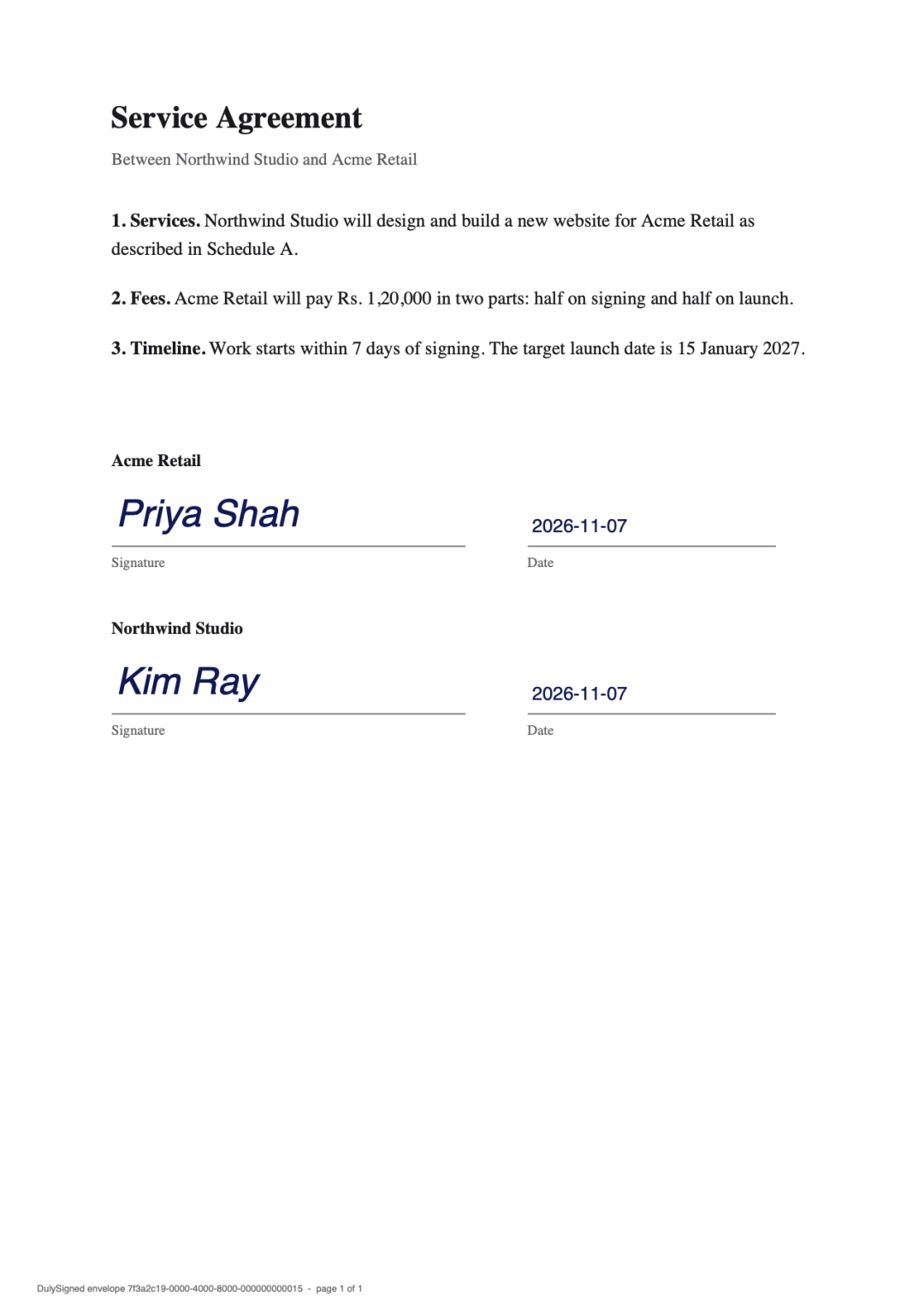
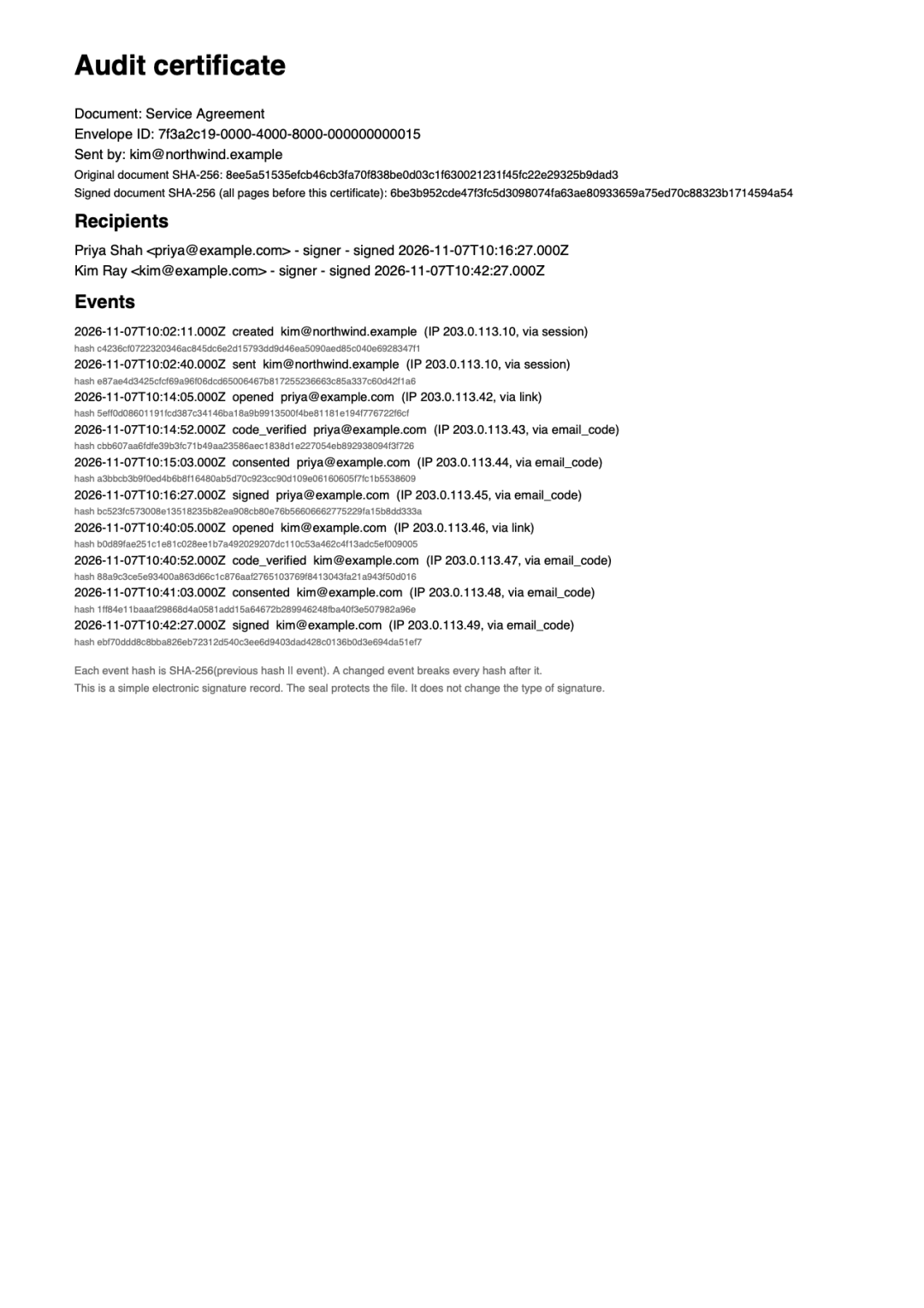
Real output from DulySigned's signing pipeline. Example, names are fictional.
How it works
- 1
Upload the PDF
Drop in any PDF up to 25 MB. Fix a typo or a date right on the page if you need to.
- 2
Show where to sign
Place signature, date, and text boxes, then add the people who sign.
- 3
Send it
Each person gets an email, signs on their phone, and everyone gets the signed PDF.
Questions
What kind of PDF can I upload?
Any PDF up to 25 MB and 100 pages that is not password-protected. Scanned documents work too.
Can I sign the PDF myself as well?
Yes. Add yourself as a signer, like anyone else. You get the same email and sign the same way.
Does the person signing need DulySigned?
No. They open the link in the email, type a short code from their inbox, and sign. No account, no app.
What do I get at the end?
A signed PDF with the signatures written into the page and a certificate page that lists who signed, when, and from where.
More ways to use DulySigned
Send your first one today.
Free for 7 contracts a month. Starter is $9.99 a month for 25 contracts. Business is $29 a month for 75 contracts and 3 people. Scale is by quote.