Use cases / Documents
Send an offer letter for e-signature
Send the offer, get the yes. The candidate signs from wherever they are.
Free for 7 contracts a month. Starter is $9.99 a month for 25 contracts. Business is $29 a month for 75 contracts and 3 people. Scale is by quote.
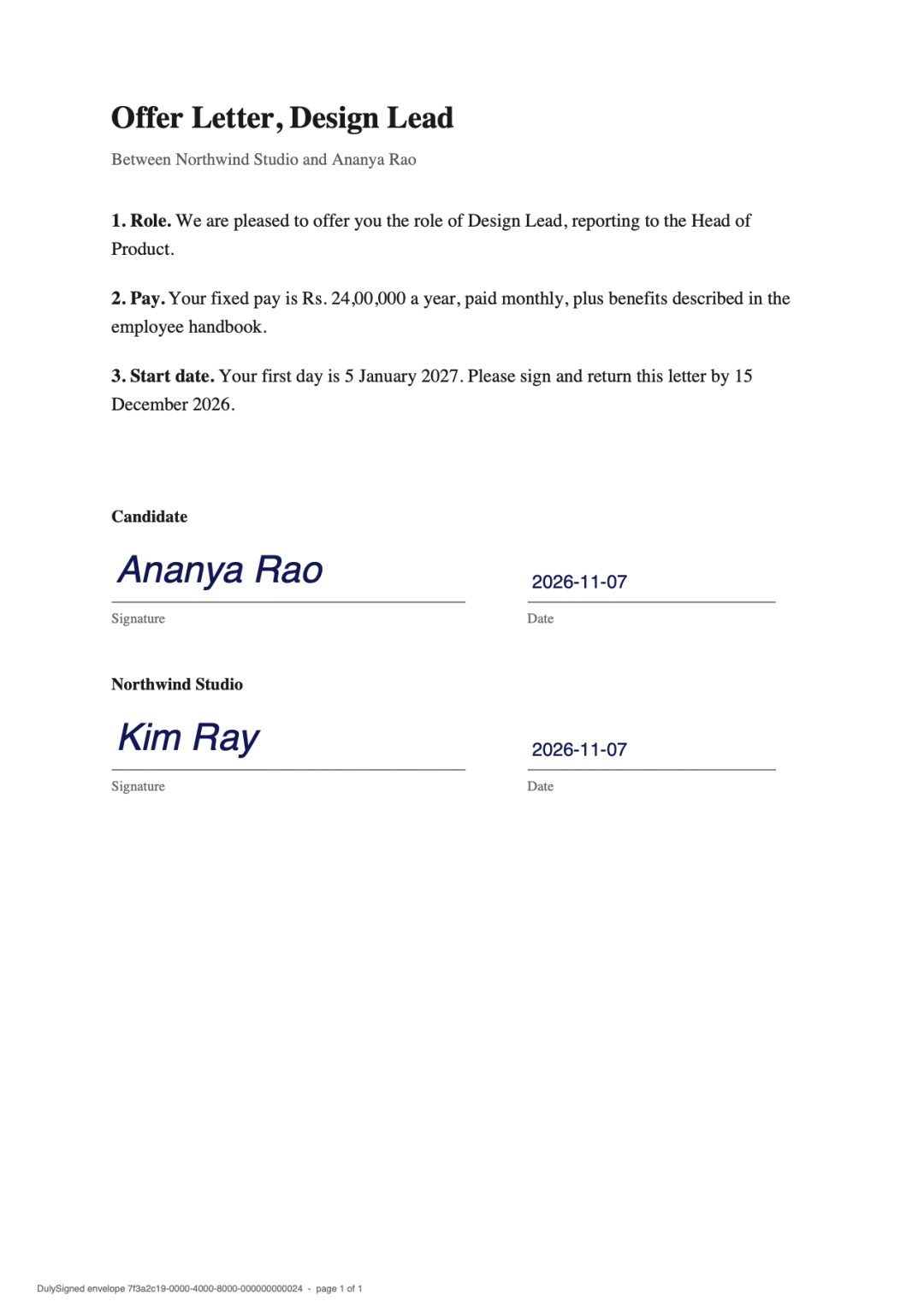
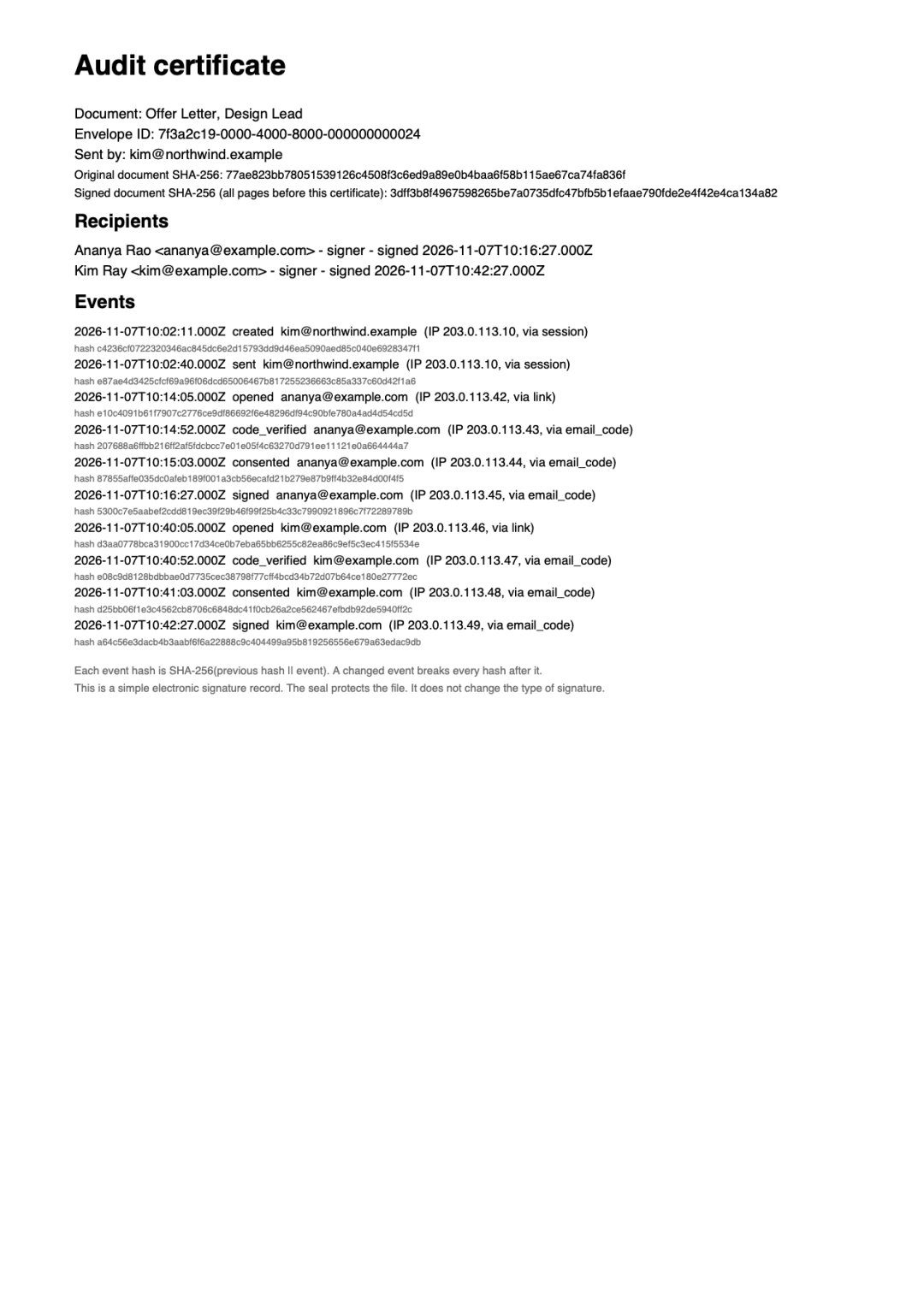
Real output from DulySigned's signing pipeline. Example, names are fictional.
How it works
- 1
Upload the letter
Upload your offer letter template and change the name, salary, and date right on the page.
- 2
Add the candidate
Add the candidate and, if you like, a person from your team to countersign.
- 3
Get it back signed
The candidate signs on their phone and both of you get the signed letter.
Questions
Can I edit the salary without remaking the PDF?
Yes. Use Edit text to change the name, salary, or dates on the page before you send it.
Can the company countersign after the candidate?
Yes. Turn on the signing order and put the candidate first and your signer second.
What if the candidate declines?
They can decline with a reason. You see it on the document and it closes for everyone.
More ways to use DulySigned
Send your first one today.
Free for 7 contracts a month. Starter is $9.99 a month for 25 contracts. Business is $29 a month for 75 contracts and 3 people. Scale is by quote.