Use cases / Documents
E-sign a freelance contract
Agree on the work before it starts. Your client signs in a minute without an account.
Free for 7 contracts a month. Starter is $9.99 a month for 25 contracts. Business is $29 a month for 75 contracts and 3 people. Scale is by quote.
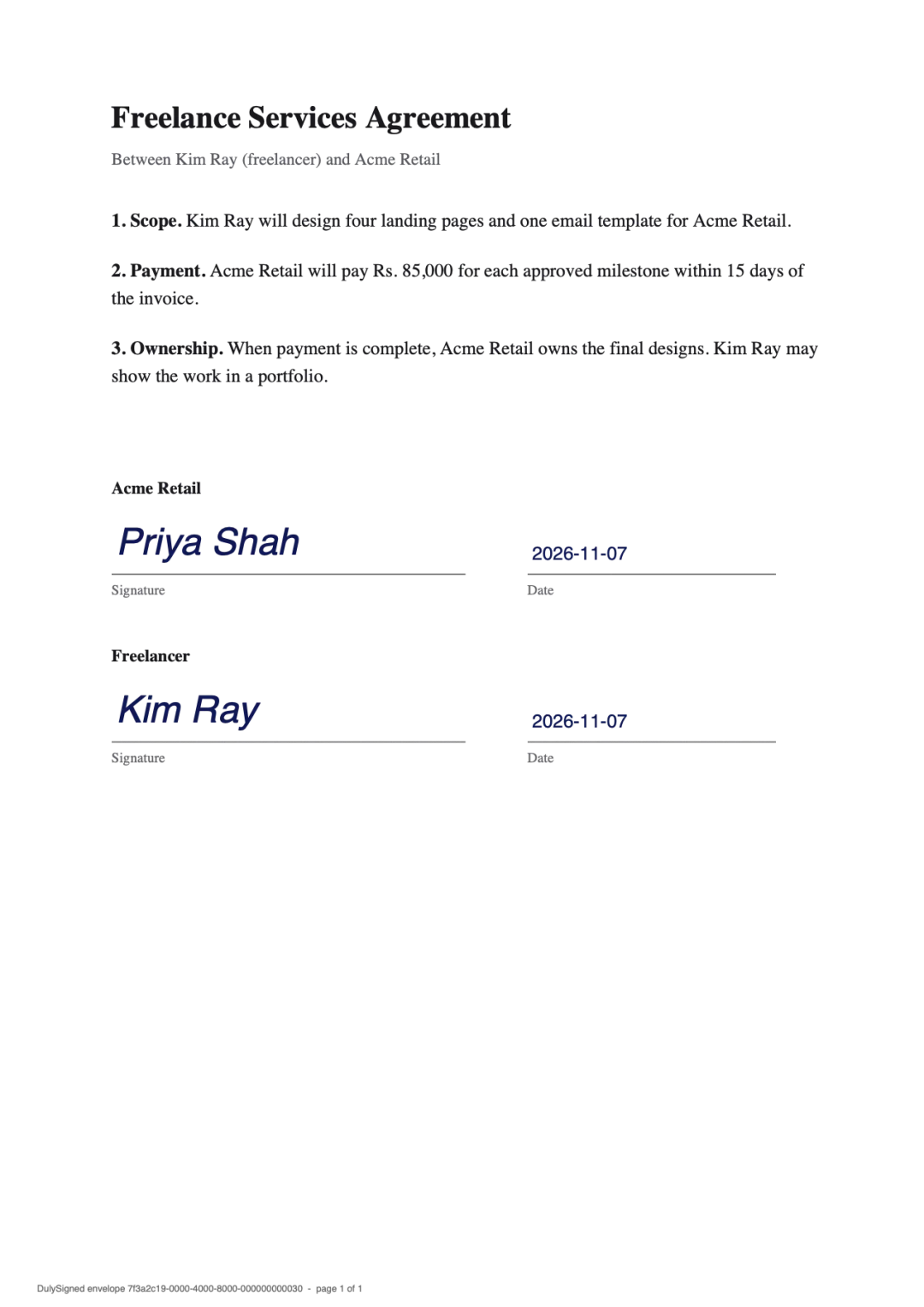
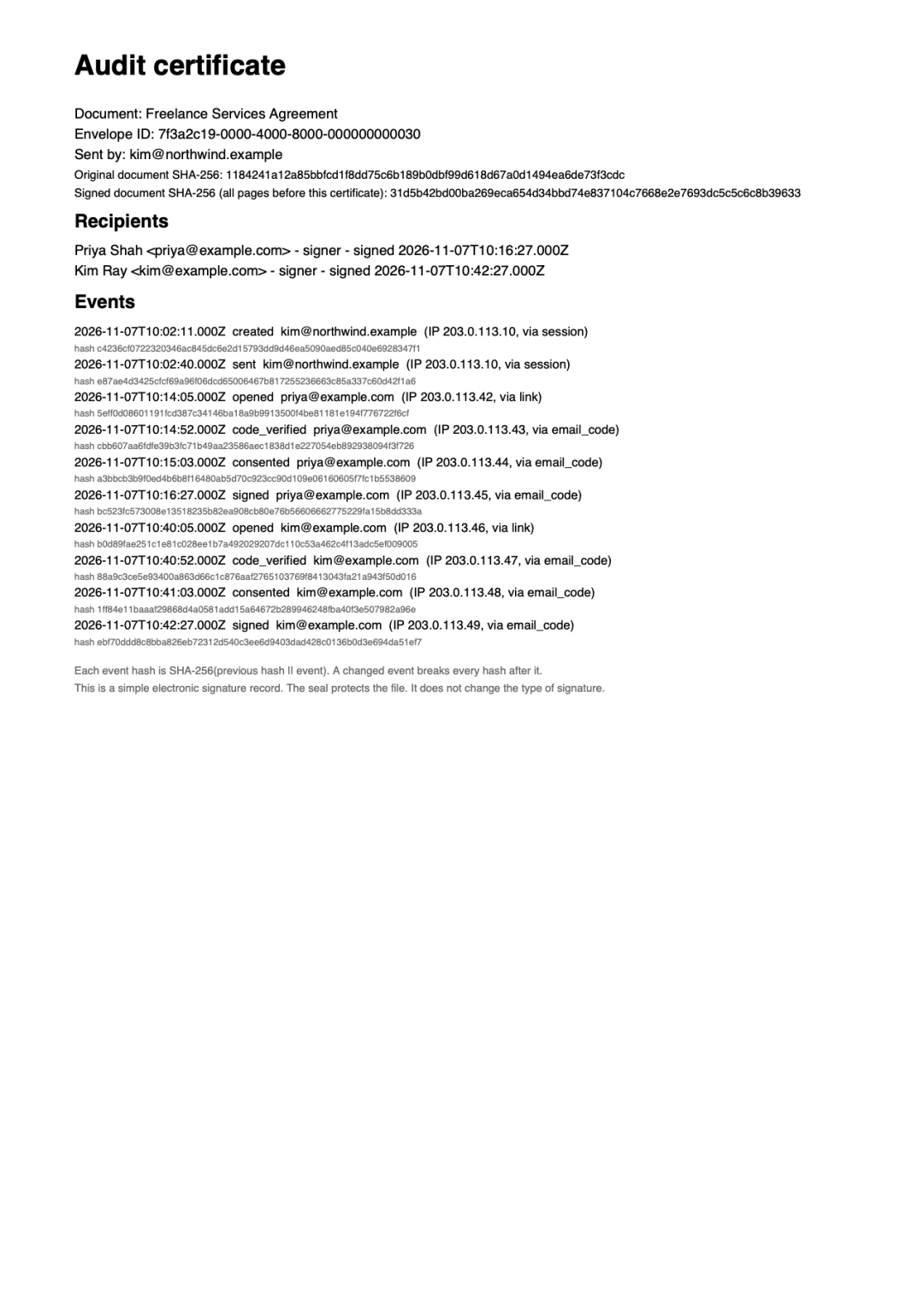
Real output from DulySigned's signing pipeline. Example, names are fictional.
How it works
- 1
Upload your contract
Upload your contract or statement of work. Join the proposal and the contract into one PDF if you like.
- 2
Add your client
Place your client's signature and date boxes, and your own.
- 3
Start the work
When your client signs, you both get the signed contract by email.
Questions
Can I join my proposal and contract into one document?
Yes. In the document step, use Pages to add pages from another PDF, then send it as one document.
Do I pay per contract?
No. The free plan includes 7 contracts a month. Starter is $9.99 a month for 25 contracts. Business is $29 a month for 75 contracts. Scale is by quote.
Will my client know it is really from me?
The email names you as the sender, carries no attachments, and links only to dulysigned.app.
More ways to use DulySigned
Send your first one today.
Free for 7 contracts a month. Starter is $9.99 a month for 25 contracts. Business is $29 a month for 75 contracts and 3 people. Scale is by quote.