Use cases / Features
Edit a PDF before you send it for signature
Fix a name, a date, or a clause on the page, then send it. No other app needed.
Free for 7 contracts a month. Starter is $9.99 a month for 25 contracts. Business is $29 a month for 75 contracts and 3 people. Scale is by quote.
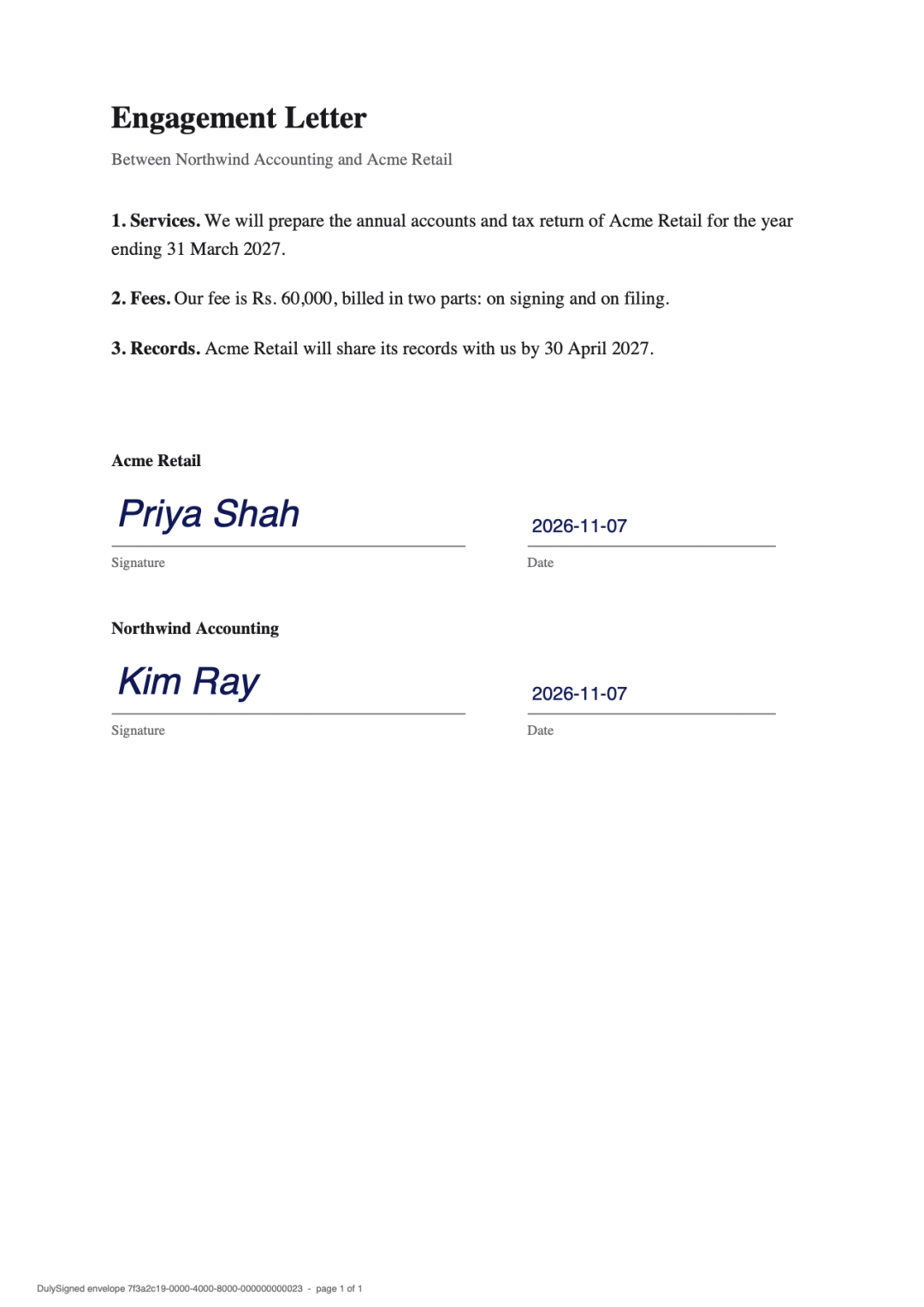
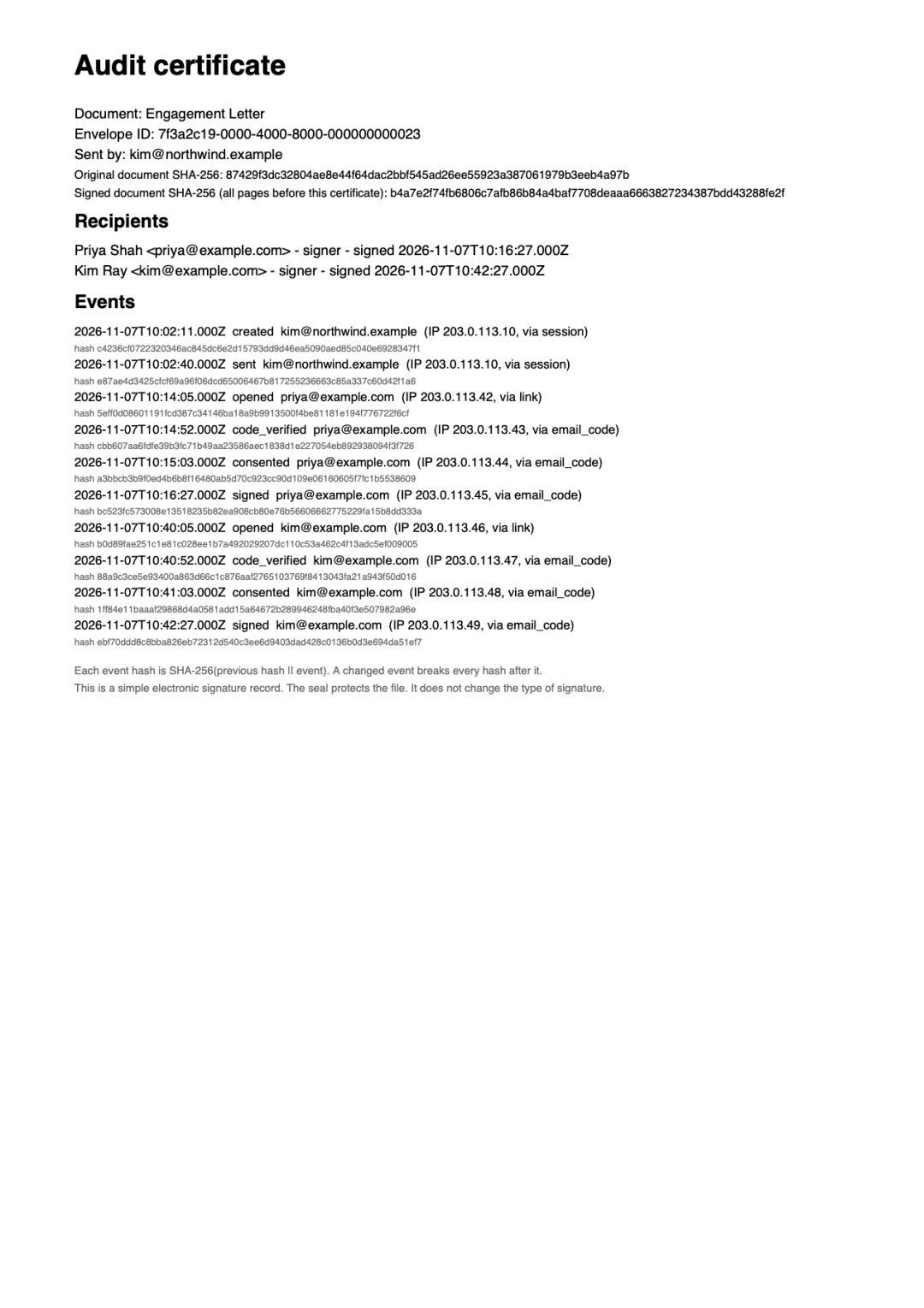
Real output from DulySigned's signing pipeline. Example, names are fictional.
How it works
- 1
Click a line to change it
Click any line of text, type the new words, and adjust the size or spacing to match.
- 2
Fix the pages
Cover an old clause, add your logo, number the pages, or add, remove, and reorder pages.
- 3
Send it for signature
Place the signature boxes and send. The file you uploaded is kept unchanged.
Questions
How does editing text work?
DulySigned covers the old line and writes your new text over it, in a matching font and size. It works line by line.
Is the original file changed?
No. DulySigned keeps your upload as it was and records every edit in the document's history.
Which characters can I type?
Latin, Greek, Cyrillic and Devanagari (Hindi, Marathi) text prints in edited documents, templates, signatures and the audit certificate. Other scripts print as a question mark for now.
More ways to use DulySigned
Send your first one today.
Free for 7 contracts a month. Starter is $9.99 a month for 25 contracts. Business is $29 a month for 75 contracts and 3 people. Scale is by quote.